
A useful fact to keep in mind
DAN’s rental-gear guidance says divers should know where to find at least 4 key readings on a rented computer: depth, time, no-decompression limit and remaining gas.
Check the sourcerental dive computer Hong Kong: confirm suitability first
Availability, model and user experience
A dive computer is not simply a timer you collect at the counter. It is an instrument whose displays, alarms, gas setting and buttons must make sense to you before you enter the water. When you ask about rental dive computer Hong Kong availability, tell us whether you are certified, recently refreshed, used to a computer or normally dive with tables, and whether the plan involves one dive, several dives or a boat day. That information helps narrow the conversation to equipment you can understand rather than whichever unit happens to be available.
Model, battery status, interface, wrist fit and air-integration options can vary. Some units use a single button, others require a sequence of presses; some show a no-decompression display prominently while others use colour bars or abbreviations. Ask for a short orientation and, if the model is unfamiliar, allow time to handle it calmly on land. The computer supports your dive plan; it does not replace your certification, buddy, guide or conservative decisions. Follow the dive operator’s briefing and the computer manufacturer’s instructions, and do not treat a rental unit as permission to exceed your training or the planned profile.
If you are comparing options, can I rent a dive computer in Hong Kong is a useful starting point for the wider rental conversation. Include the dates, collection location, expected depth and whether you already need a full equipment set. A computer-only rental may be appropriate when you own a well-fitting regulator, BCD and exposure suit; a package may be simpler when you are travelling and want one coordinated handover. Availability is confirmed case by case, not assumed from a catalogue photograph.
- Before booking, confirm the computer model, rental period, included strap or charger, battery status and whether a display or operating briefing is included.
- Bring your certification information or describe your experience honestly; suitability depends on the diver and the planned activity, not just the device.

scuba gear rental terms and equipment checklist Hong Kong
Inspect condition, operation and completeness at handover
The purpose of a scuba gear rental terms and equipment checklist Hong Kong is to make the handover specific. List each agreed item rather than relying on the phrase “full set”: dive computer, regulator with alternate second stage, pressure gauge or transmitter, BCD, cylinder arrangement if applicable, mask, fins, boots, exposure protection, weights and accessories. Record anything excluded, such as a torch, reel, SMB, camera or spare batteries, so there is no awkward assumption at the pier.
Start with identity and visible condition. Compare the computer’s model and serial or identifying mark with the booking note where one exists. Look for a readable screen, intact strap, clean contacts and a secure battery compartment; do not open a sealed compartment yourself. On a regulator, check mouthpieces, hoses and second stages for obvious damage. On a BCD, check seams, inflator connections, dump controls and releases. Masks, fins, boots and suits need a practical fit, not merely the right label size. Raise scratches, worn straps, missing caps or marks before leaving so the agreed condition is clear.
DAN’s rental-gear guidance says divers should know where to find depth, time, no-decompression limit and remaining gas on a rented computer, and should understand normal beeps or vibrations. That is a useful handover standard: ask to see the information on the actual unit, confirm the breathing-gas setting, and ask how to change only settings you are trained and authorised to use. If an air-integrated computer is supplied, confirm its transmitter pairing with the responsible staff member. Never borrow a unit that still appears configured for another diver or gas without resolving it first.
For regulators and BCDs, follow the operator’s safe pre-dive check and manufacturer guidance. A quick explanation of the low-pressure inflator, weight-release arrangement and alternate second stage is worthwhile, especially when the rental configuration differs from your own. If you cannot identify a control or the fit is uncomfortable, stop and ask. how to check a rental scuba regulator and mask gives this inspection topic a dedicated place, while the pre-dive scuba equipment checklist for beginners can help a newer diver organise questions without turning a checklist into a substitute for instruction.
- Operate, do not just look at, the agreed controls on land: computer buttons, BCD inflator, releases and regulator second stages should be familiar before entry.
- Check hygiene and personal fit for mask, mouthpiece, boots and exposure protection; tell staff promptly if something is uncomfortable or cannot be cleaned to your satisfaction.

Return expectations and a clear rental enquiry
Discuss the equipment you actually need before confirming
A good enquiry makes the eventual return easier. State the collection and return dates, approximate times, meeting point, planned route, number of divers and whether equipment will travel by boat, taxi or private vehicle. Ask whether the items must be returned dry, rinsed, packed in a particular bag or handed to a named person. Confirm what happens if a boat time changes, a dive is cancelled, or a return is delayed by transport. These are practical arrangements to agree in writing; they should never be left to memory at the end of a long day.
At return, keep the kit together and report any problem honestly, including a computer alarm, flooded accessory, torn strap, dropped item or unusual regulator behaviour. Do not attempt a repair, battery replacement or disassembly unless the rental terms expressly allow it. Staff can assess the equipment and document the condition. If you need gear for several days, ask whether a mid-rental check is expected. how often should scuba gear be serviced explains why servicing is a maintenance decision for qualified technicians, not a task for a hurried renter.
Use the enquiry to separate rental from training. If you are newly certified, have been out of the water for a long time, or feel unsure about a planned dive, ask whether a refresher or guided arrangement is more suitable than collecting equipment independently. DiveHarbour can discuss the next step, but no rental can guarantee a particular sea state, site, weather window or personal comfort level.

Choosing a computer and package for Hong Kong conditions
Match the kit to the plan, not to a feature list
Hong Kong diving can involve changing visibility, boat logistics, different water temperatures and a mixture of shore or nearshore plans. The most useful rental is therefore the one you can read and wear comfortably throughout the planned dives. A large, high-contrast display may be easier to scan than a feature-heavy unit; a simple non-air-integrated computer may be perfectly suitable when your gas monitoring is handled separately. Ask what the guide or operator expects you to monitor and keep your own buddy communication plan consistent with the briefing.
Think about exposure protection and fit together. A thicker suit can alter buoyancy and affect how a BCD and weight system feel; gloves can make small computer buttons harder to operate. If you are bringing your own mask or regulator, make sure the rental configuration is compatible with your transport and pre-dive checks. If you are renting most of the set, reserve enough handover time to adjust straps and explain every unfamiliar component.
The following comparison is a conversation aid, not a promise that every option is available on every date. For seasonal preparation, what to pack for scuba diving in Hong Kong in summer and winter is a useful companion guide.

A practical handover sequence
Use five deliberate checks before you leave
A calm sequence reduces forgotten details. First, match the booking to the equipment on the table. Second, inspect condition and fit. Third, power on the computer and review the screen, gas setting and alarms with staff. Fourth, assemble or identify the regulator, BCD and accessories and complete the operator’s pre-dive checks. Fifth, agree the return time, location, packing method and contact point. Five checks are enough to create structure without rushing through any individual safety question. DAN’s rental-gear guidance says divers should know where to find at least 4 key readings on a rented computer: depth, time, no-decompression limit and remaining gas.
Keep your own records simple: a phone photograph of the agreed kit (where permitted), a note of the computer model, and the return instructions can prevent confusion. Do not photograph personal documents or other customers. If you are diving with a buddy, both of you should know which computer each person is using and how you will communicate a concern on the surface. A rental handover is successful when you leave knowing what you have, how it works and what you have agreed to return.

Questions to settle before you book
Clear terms protect time, equipment and expectations
Ask for the final item list, rental period, collection and return arrangements, deposit or identification requirements, cleaning expectations and what is included in the quoted arrangement. If weather or transport disrupts the plan, ask how the operator will communicate the next step. Written terms are especially useful when several divers share a booking or when equipment is collected by someone other than the person who made the enquiry.
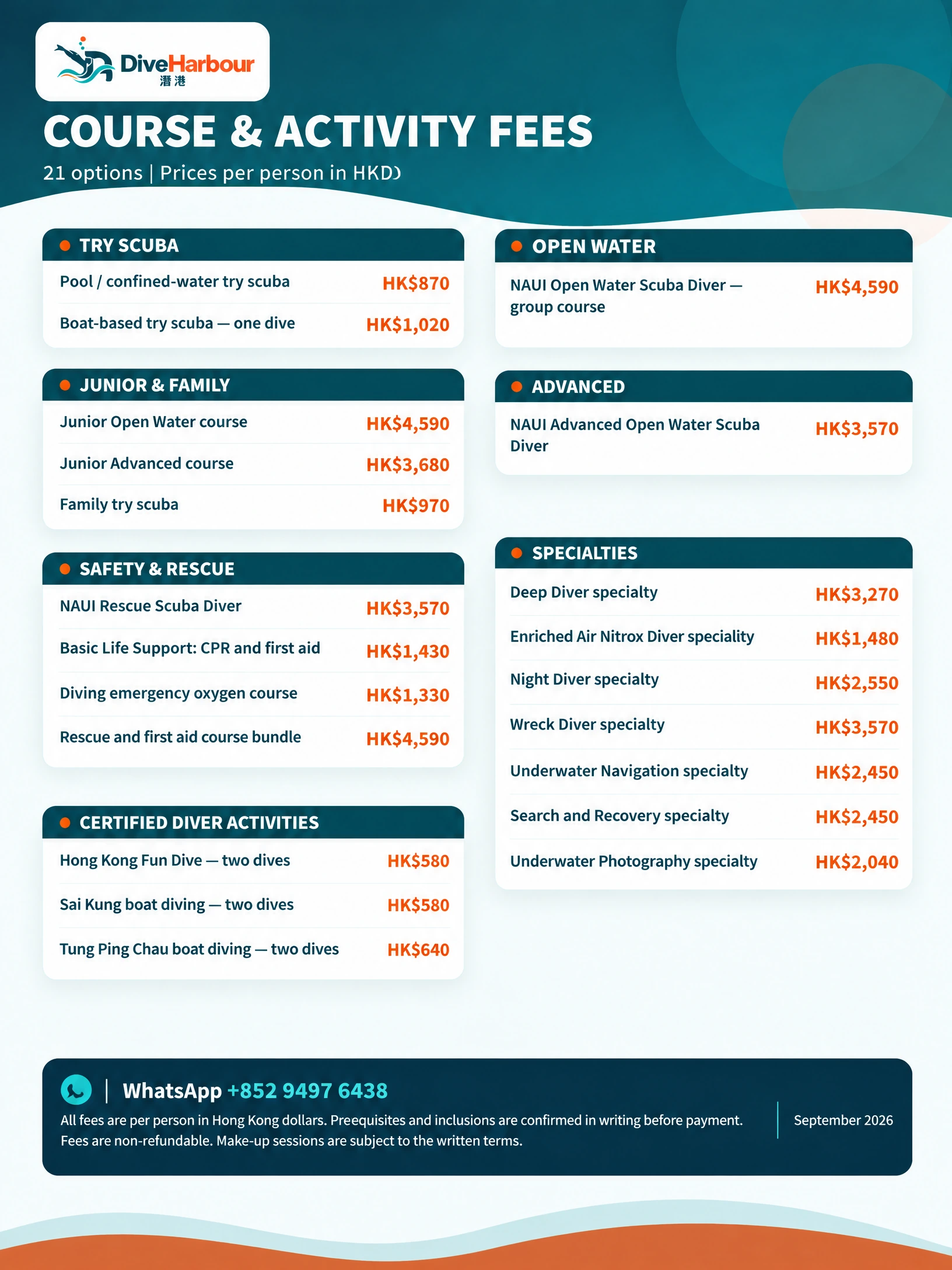
Prices for courses or fun dives are separate from equipment rental and should not be assumed to include a computer. A specific rental quote depends on the equipment, dates and arrangement. Send a message with your dates, certification or experience, route and exact items needed; DiveHarbour can then check availability and explain the applicable terms before you rely on the booking.

Which rental arrangement may fit your plan?
| Option | Best for | Check |
|---|---|---|
| Computer only | Divers who own the rest of a familiar set | Model, display, gas setting, strap and battery status |
| Selected items | Travellers replacing one or two pieces | Compatibility, fit, included accessories and return packing |
| Most of a set | Divers travelling light or without personal equipment | Full item list, sizes, handover time and operator pre-dive check |
| Rental plus guided arrangement | Divers needing local orientation or a confidence check | Experience, route, guide availability and separate service terms |
Dive computer rental and gear rental terms — common questions
Can I rent a dive computer in Hong Kong?Toggle answer
You can ask DiveHarbour about renting a dive computer in Hong Kong. Share your dates, experience, planned route and equipment needs so the model, suitability, collection or boat arrangements and rental terms can be confirmed before you rely on the computer for a dive.
What should I check when collecting rented scuba gear?Toggle answer
Use the scuba gear rental terms and equipment checklist Hong Kong to review the agreed items, visible condition, fit, connections, operation and completeness at handover. Raise any concern before leaving, and ask how and where each item should be returned.
Do I need to know how to use the rented computer before diving?Toggle answer
Yes. You should be able to identify the depth, time, no-decompression information and gas setting on the actual unit, and understand its normal alarms. Ask for an orientation and do not use equipment you cannot read or operate confidently.
Can a rental be cancelled or moved to another date?Toggle answer
Ask for the written terms before confirming. Rental or related service fees are non-refundable unless the applicable written terms say otherwise. Make-up sessions or alternative dates are offered only where those written terms permit them; no reschedule or date is guaranteed.
Who is responsible if rented equipment is returned late or damaged?Toggle answer
The applicable written rental terms should explain late returns, loss and damage. Report an issue promptly, keep the equipment together and do not repair or disassemble it yourself. Ask the team to assess and document the condition.
Take the question with you
The best rental arrangement is agreed before the dive: a suitable computer, a complete and comfortable equipment set, a hands-on handover and clear return instructions. Message DiveHarbour with your dates, experience, route and exact equipment list. We can check availability, discuss whether computer-only or selected-item rental makes sense, and confirm the terms so you can arrive prepared rather than making assumptions at the water’s edge.
Sources worth checking
- DAN: Renting Dive Gear
DAN advises renters to know where to find depth, time, no-decompression limit and remaining gas on a rented computer, understand its normal alarms, and check settings such as breathing-gas mix and transmitter pairing where relevant.
- PADI: Choosing a Dive Computer
PADI describes a dive computer as providing real-time information used to track scuba dives and discusses choosing and caring for a computer.
Useful next reads for your plan
If you are still comparing routes, these related pages give you practical questions to bring into your next conversation with an instructor.
Put your plan into practice
Useful planning guides
Hong Kong dive gear rental checks: a handover worksheet
Use this Hong Kong dive gear rental checks worksheet to compare practical options, check key decision points, and confirm current details with DiveHarbour.
Hong Kong dive gear rental checks