
A useful fact to keep in mind
The sentence ‘A rented dive computer should be checked for 4 key displays—depth, time, no-decompression limit and remaining gas—before a dive’ is a safety-focused checklist based on DAN's guidance.
Check the sourceChoosing equipment for your Hong Kong dive
Scuba gear rental in Hong Kong
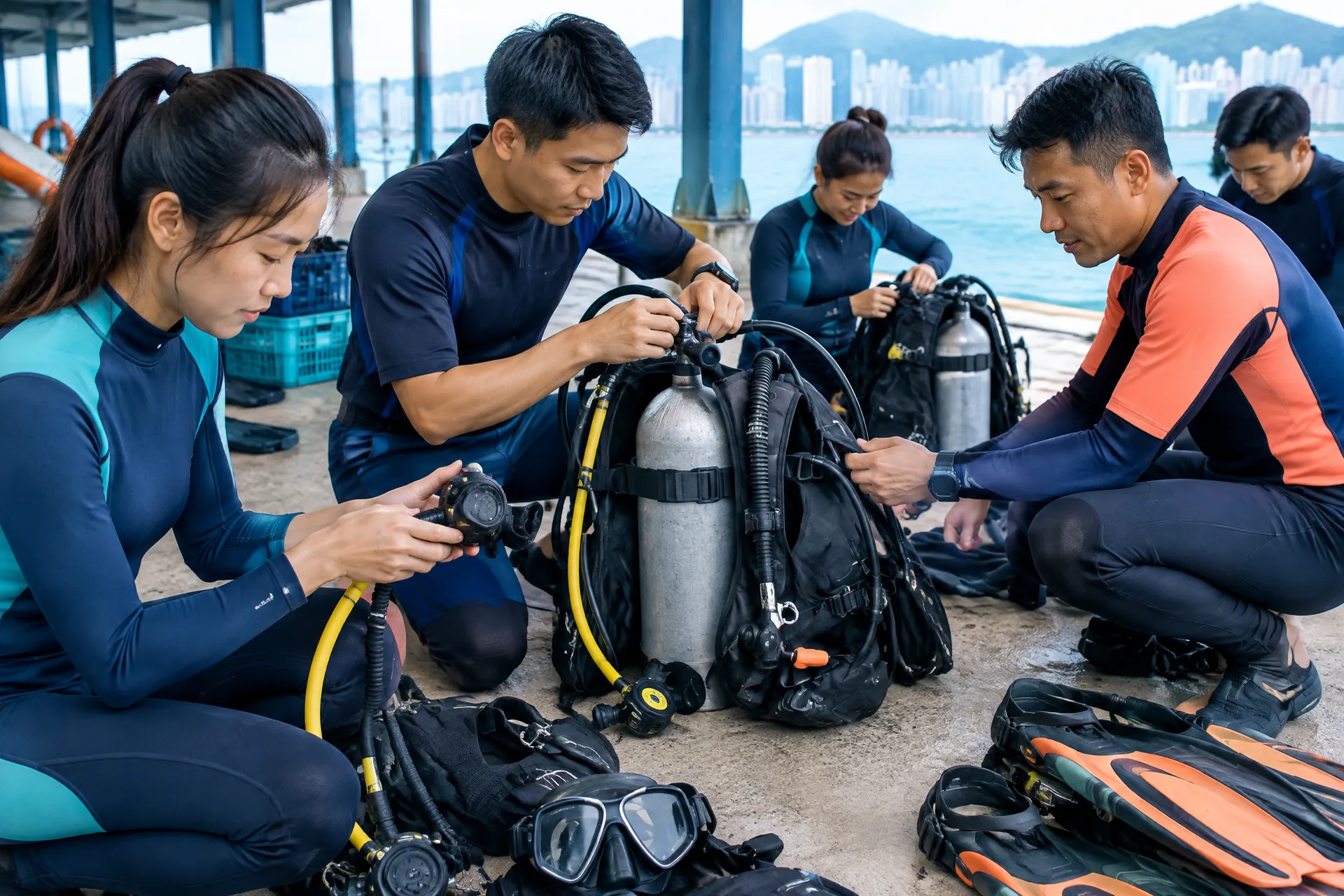
Rental is often the sensible middle ground between buying a complete kit and arriving at a dive with unsuitable personal equipment. It may suit a beginner who is still discovering what fits, a traveller who prefers to pack lightly, or a certified diver planning only occasional local outings. The right question is not simply whether a shop has gear on a shelf. It is whether the complete setup matches your body, experience, planned exposure protection, cylinder configuration and the supervision available on the day.
Start with the items that affect comfort and confidence most. A mask must seal without being painfully tight; fins should not cause cramping; boots should fit inside the fins; and a wetsuit should keep you warm without restricting breathing or movement. The BCD must sit securely and allow you to find the inflator and releases by feel. Regulators need a clear breathing check, while weights and cylinders must be appropriate for the configuration. A computer is useful only when you understand what it is showing.
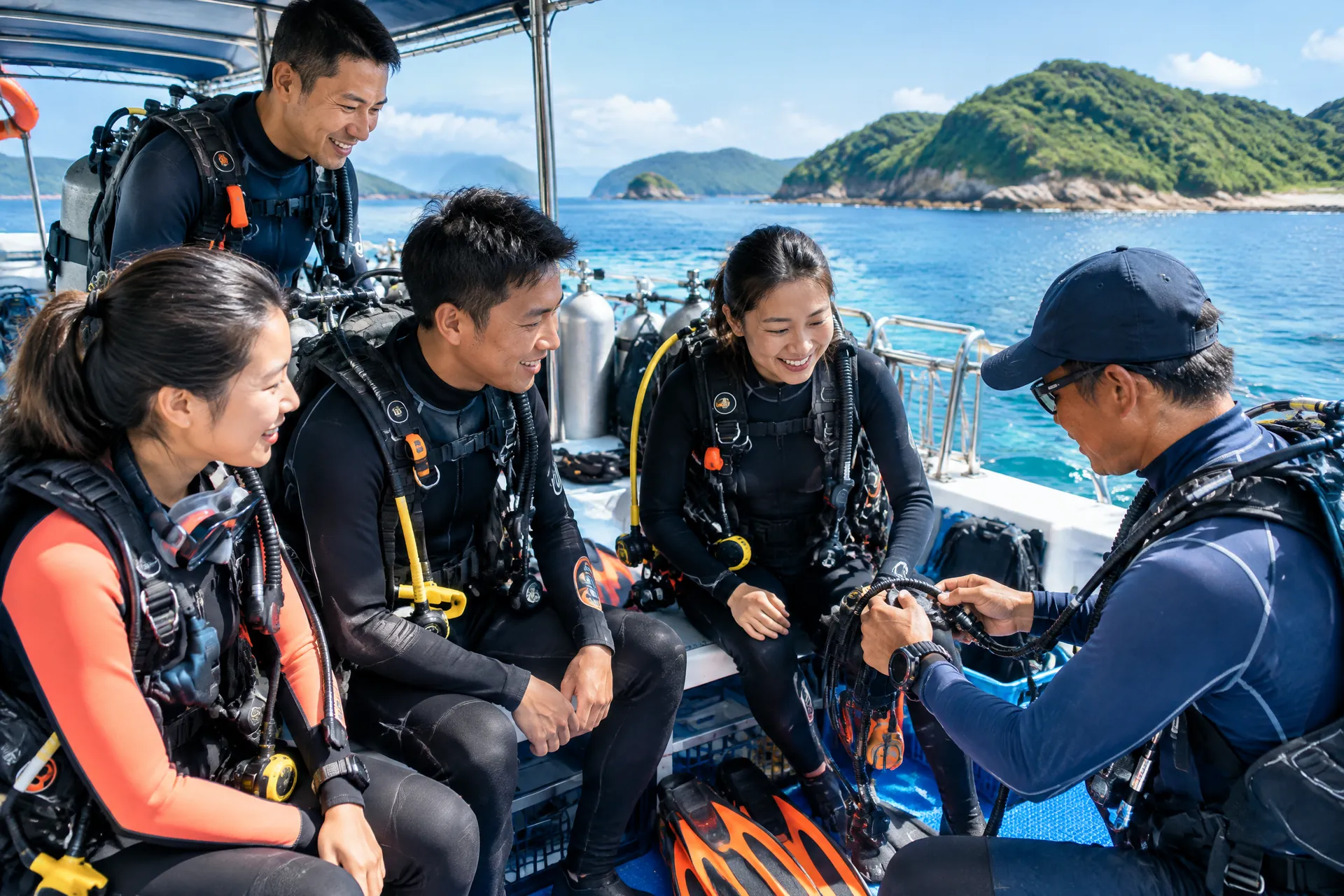
Ask whether equipment is collected at a shop, delivered to a pier, assembled on a boat or issued at a training venue. Hong Kong dive plans can involve changing transport, shore access and sea conditions, so confirm the handover time and who is responsible for checking the kit. Photographing the serial number or noting visible marks can prevent confusion at return. Report leaks, damaged straps, missing mouthpieces or unreadable screens before leaving the briefing area, not after the first descent.
If your prescription affects mask choice, read can I scuba dive with myopia in Hong Kong before booking. Corrective options and mask fit are personal decisions; do not assume that a standard rental mask will work for every face or vision need. For a longer-term purchase, compare fit and after-sales advice through a Hong Kong scuba equipment shop rather than choosing solely on a low headline price.
- Bring your own comfortable mask and computer if you already know they fit and operate well.
- Ask for a complete written list: BCD, regulator, cylinder, weights, exposure suit, mask, fins, boots and computer.
- Allow time for a supervised fitting and equipment briefing before you enter the water.

Course equipment and what to confirm
Does a Hong Kong scuba course include equipment rental?
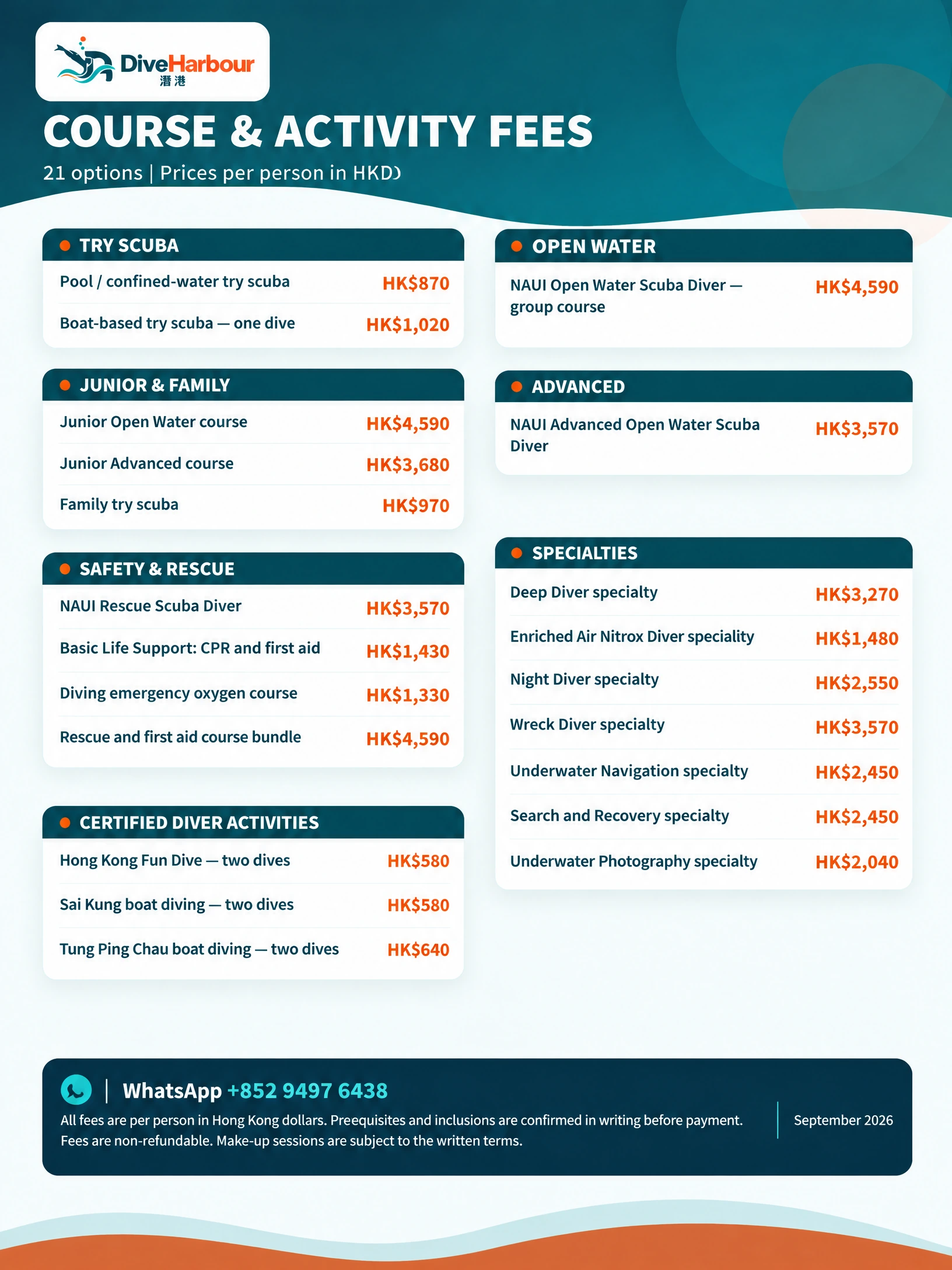
There is no universal answer. A course fee may include teaching, training-site access, cylinders, weights and some or all rental equipment, while another arrangement may price personal-fit items or boat logistics separately. Even when basic equipment is included, a computer, particular wetsuit thickness, prescription mask, boots or replacement mouthpiece may be optional. The course description and booking message should be the source of truth for your specific date.
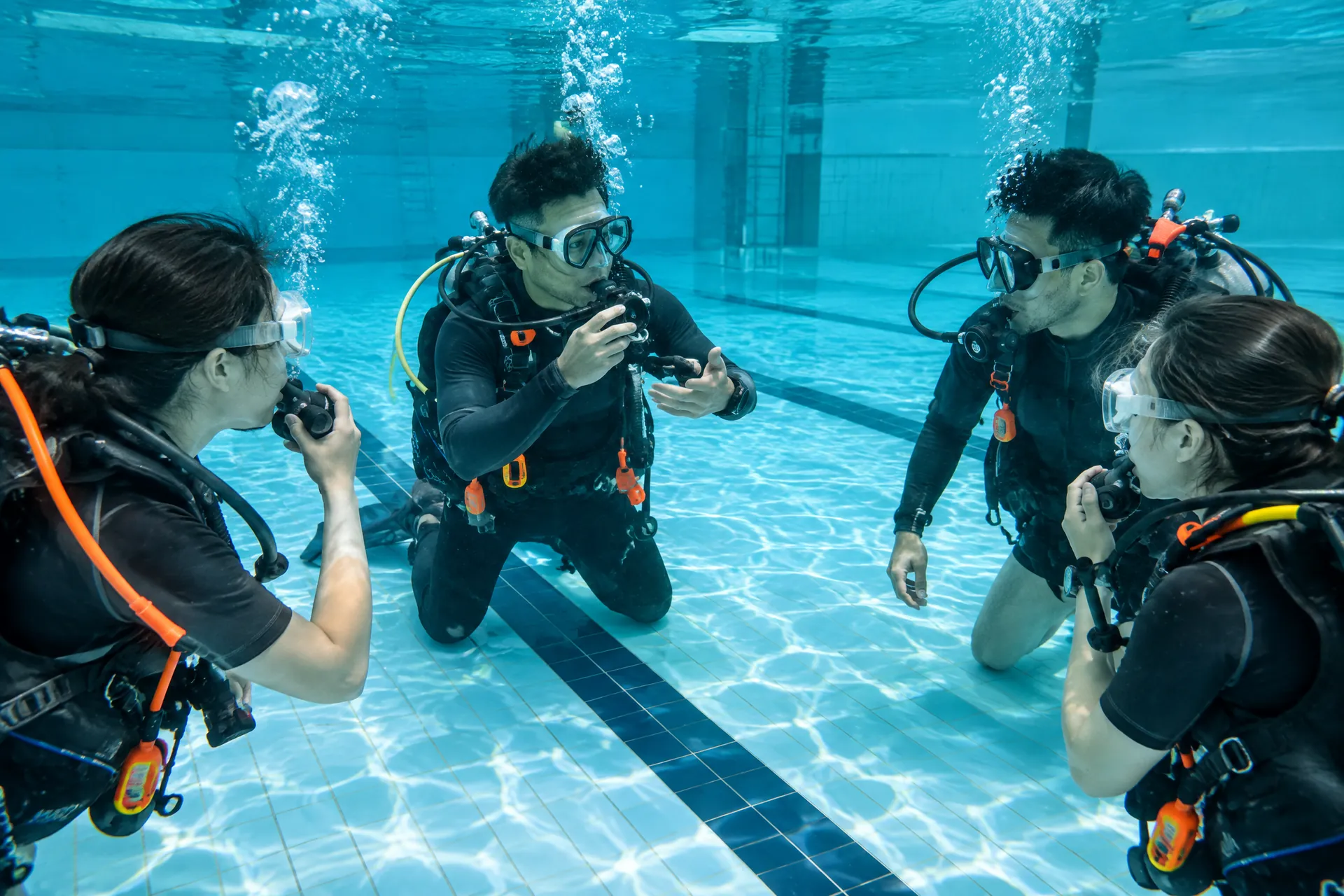
Before enrolling, ask for an itemised answer in writing. Confirm whether equipment is available for classroom, confined-water and open-water sessions; whether the same set can be kept between sessions; and whether cleaning, transport, cylinder fills and weights are included. Ask what happens if a suit or mask does not fit on the day. A replacement should be arranged by the operator when equipment is unsafe or unusable, but the terms should explain responsibility for loss or accidental damage.
Equipment included in training is not the same as unlimited personal use. A learner should not take an unfamiliar regulator or computer away without permission, and should not swap components between setups without a briefing. The instructor can help you practise locating inflator controls, releases, alternate air source and computer information at the surface. Course standards and agency requirements can vary, so treat a provider's written equipment list as a practical booking checklist rather than assuming one agency's package applies everywhere.
If you are comparing a course with a standalone outing, review the rental dive computer Hong Kong details for computer-specific terms. For hygiene and pre-use checks, the guide how to check a rental scuba regulator and mask is a useful companion. Never let a low rental price pressure you into accepting equipment that does not fit or a briefing that is rushed.
- Request an included-versus-extra list before deposit payment.
- Confirm personal-size items, damage terms, collection point and return time.
- Tell the instructor about fit concerns before the session begins.
Computers and essential checks
Can I rent a dive computer in Hong Kong?
Usually, a dive operator can tell you whether a computer is available for your course or fun dive, but availability, model and price must be confirmed. Ask what gas setting the computer supports, whether it is air-integrated, how the strap fits over your exposure suit, and whether the battery is user-replaceable or recently checked. You also need to know whether the computer is configured for a previous diver, because settings left behind can be inappropriate for your plan.
DAN's official rental-gear guidance says a diver should know where to find depth, time, no-decompression limit and remaining-gas information on a rented computer, and should understand its normal beeps or vibrations. It also warns that an air-integrated computer must be paired with the correct transmitter. These are orientation points, not a substitute for training. Ask a qualified dive professional to walk through the actual model; do not copy another diver's settings or treat a rental screen as self-explanatory.
A useful handover includes switching the unit on, identifying the planned gas, checking the displayed units, reviewing battery indication and confirming the computer has cleared any prior-dive information according to the manufacturer's instructions. Check the strap, buttons and screen for damage. If you cannot read it comfortably in the planned conditions or cannot explain the alarms, tell the instructor and choose another arrangement. Your buddy should also know what information you are using and how you will communicate if the computer behaves unexpectedly.
The sentence ‘A rented dive computer should be checked for 4 key displays—depth, time, no-decompression limit and remaining gas—before a dive’ is a safety-focused checklist based on DAN's guidance. It is not permission to extend a dive, ignore your training limits or treat the computer as a replacement for a plan, a buddy and professional supervision.
- Identify the model and ask for a hands-on orientation, not just a leaflet.
- Verify gas, units, battery, strap, transmitter pairing and previous-dive data.
- If the display or alarms are unfamiliar, pause and ask for qualified help.

Fit, hygiene and servicing boundaries
When rental gear should be declined
A small cosmetic mark is not automatically a safety problem, but a cracked mouthpiece, damaged low-pressure hose, leaking first stage, torn BCD bladder, broken buckle or unreadable computer is a reason to stop the handover. Ask the operator to replace the item or explain how it has been assessed. Do not try to repair life-support equipment yourself on the pier. If an item repeatedly fails a check, choose a different set or postpone the dive.
Fit is equally important. A loose mask may leak; a suit that is too tight can distract you and limit movement; fins that are too large may slip when you kick. Try equipment on with the clothing you will actually wear. If you use a hood or gloves, check that releases remain reachable. Shared mouthpieces and masks should be cleaned according to the operator's procedure. If you have a hygiene concern, say so early and ask about a personal mouthpiece or mask option.
For servicing questions, see Hong Kong dive gear service and repair. Rental staff can describe their inspection process, but a customer should not infer a service history from appearance alone. Keep the equipment together during transport and return it as agreed; missing weights, straps or accessories can create a dispute even when the main set comes back intact.
Compare rental arrangements before booking
A practical decision path
Choose the arrangement that reduces uncertainty, not merely the one with the fewest line items. A beginner usually benefits from a complete, instructor-checked set. An experienced local diver may prefer to bring a familiar mask and computer while renting the bulky pieces. A visitor with an unusual size should confirm stock before travelling to the pier. In every case, ask for the final total, collection logistics and cancellation terms in writing.
Use the table below to compare what you are actually buying. ‘Included’ should mean included for your particular booking, not merely available on request. If the answer is unclear, treat it as an open question and resolve it before paying a deposit.
Booking, support and responsible next steps
Turn questions into a clear equipment plan
Send the operator your course or dive date, certification or training stage, height and approximate shoe size, preferred exposure protection, and whether you already own a mask or computer. Ask for a reply listing supplied items, rental extras, fit support, handover location, return process and what to do if conditions or equipment change. This makes a WhatsApp conversation more useful than a vague request for ‘full gear’.
Read the booking terms before payment. Rental stock can change, and a particular computer model may not be guaranteed unless written into the arrangement. Fees that have been paid may be non-refundable, while make-up sessions are available only where the written terms permit them; neither should be assumed. Weather, transport and safety decisions belong to the operator and instructor, so keep enough flexibility to accept a changed plan rather than rushing into unsuitable conditions.
For help choosing between included course equipment, a partial rental and familiar personal gear, contact DiveHarbour with your plans. The useful next step is a specific equipment checklist and a hands-on briefing, followed by a calm decision to dive only when the equipment fits, functions and makes sense to you.
Compare common Hong Kong scuba equipment rental arrangements
| Arrangement | Best for | Confirm before booking |
|---|---|---|
| Complete course set | Beginners and learners | Every item, sizes, computer orientation and replacement process |
| Partial rental | Divers bringing mask or computer | Compatibility, remaining items, cylinder and weights |
| Computer-only rental | Divers with familiar core gear | Model, gas setting, battery, transmitter pairing and briefing |
| Travel or boat handover | Visitors and local day trips | Collection point, timing, return method and damage terms |
Scuba gear rental in Hong Kong — common questions
Does course equipment always include every item I need?Toggle answer
Not necessarily. Equipment arrangements vary by course and operator, so confirm the included items before enrolling. Ask specifically about the mask, fins, exposure protection, BCD, regulator, cylinder, weights and computer, and whether personal fit or hygiene considerations affect your choice.
What should I check before renting a dive computer?Toggle answer
Confirm that the computer is suitable for your planned diving and that you understand its display, settings, battery indication and no-fly information. A qualified dive professional can help you review its operation; do not rely on unfamiliar equipment without a proper briefing.
Can I bring my own mask and rent the rest?Toggle answer
Often that can be discussed, especially when a familiar mask improves comfort, but confirm compatibility and the exact remaining items. The operator should still check the complete setup with you before entering the water.
Are rental or course fees refundable if I change my plans?Toggle answer
Fees are non-refundable unless the written booking terms say otherwise. Make-up sessions are available only where those written terms permit them, with no guaranteed reschedule date. Ask about weather, illness, transport and cancellation conditions before paying.
What if rented equipment does not fit on the day?Toggle answer
Tell staff and the instructor immediately, before entering the water. Request a suitable alternative or discuss postponement under the written terms. Do not accept a poor-fitting mask, suit or BCD simply because the booking has already been paid.
Take the question with you
Good rental planning is simple: identify what is included, check fit and condition, learn the actual computer, and confirm the written terms. Message DiveHarbour with your course or dive plan and the equipment you already own; the team can help you turn that information into a realistic checklist before you travel to the water.
Sources worth checking
- DAN: Renting Dive Gear
DAN advises renters to know how to read depth, time, no-decompression limit and remaining-gas information, check gas settings, and verify correct transmitter pairing for air-integrated computers.
Useful next reads for your plan
If you are still comparing routes, these related pages give you practical questions to bring into your next conversation with an instructor.
Put your plan into practice
Useful planning guides
Hong Kong dive gear rental checks: a handover worksheet
Use this Hong Kong dive gear rental checks worksheet to compare practical options, check key decision points, and confirm current details with DiveHarbour.
Hong Kong dive gear rental checks